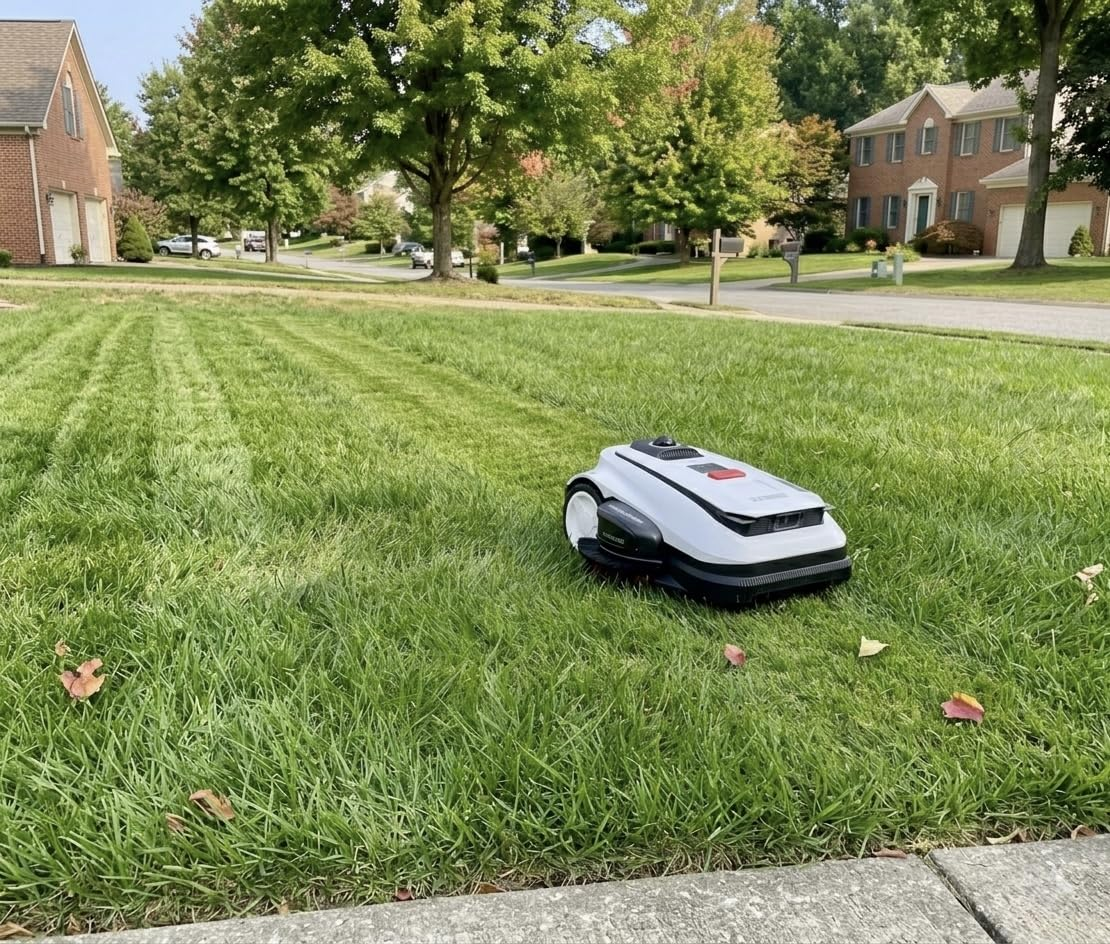

I never realized how much I disliked mowing the lawn until I stopped doing it. Every week, it was the same routine. Drag the mower out, spend close to an hour pushing it around the yard, sweat through a shirt, then spend another few minutes trimming the edges it missed.
After looking at robotic lawn mowers for months, I finally decided to try the ECOVACS GOAT A2000 LiDAR PRO.
I expected a cool gadget. What I didn’t expect was how quickly I got used to not mowing anymore.
Quick Takeaways
- Saves a huge amount of time once fully set up
- LiDAR navigation works surprisingly well around trees and landscaping
- Very quiet compared to traditional lawn mowers
- Creates clean, consistent mowing patterns
- Easy-to-use app with scheduling and zone controls
- Mapping takes some patience initially
- Not every owner has had a flawless reliability experience
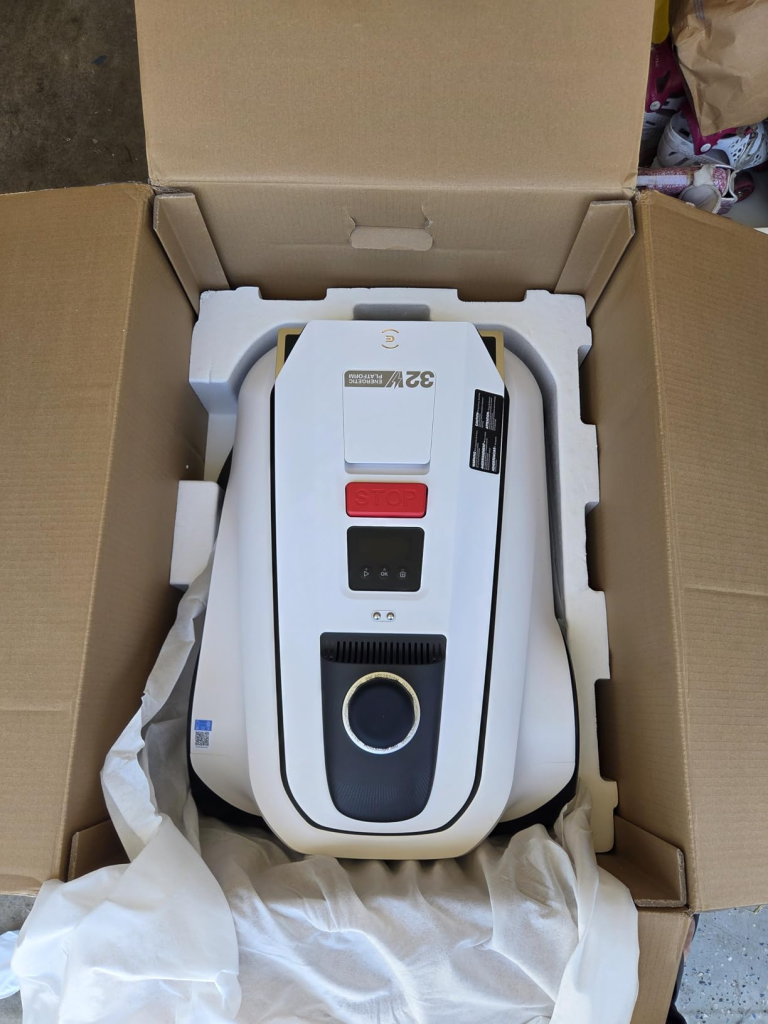
What Is the ECOVACS GOAT A2000 LiDAR PRO?
The GOAT A2000 LiDAR PRO is a robotic lawn mower designed to automatically mow your lawn without perimeter wires. Instead of relying on buried boundary wires, it uses LiDAR mapping and obstacle avoidance technology to navigate around your yard.
Through the companion app, you can create mowing zones, set schedules, adjust cutting settings, create no-go areas, and monitor mowing progress remotely.
The goal is simple: keep your lawn maintained without spending your weekends pushing a mower.
Why I Bought It
My yard isn’t massive, but it’s large enough that mowing always felt like a chore. The biggest selling point for me wasn’t even the technology.
It was the possibility of never having to think about mowing again. The idea of letting a robot quietly handle the yard while I did literally anything else sounded pretty appealing.
Setup and Mapping
I’ll be honest. The mapping process took longer than I expected. Not difficult. Just time-consuming. The mower needs to learn the layout of your property, including trees, garden beds, mulch areas, pathways, and obstacles.
Once the initial mapping was finished though, everything became much easier. The app walked me through the process clearly, and after that first setup session, I rarely needed to touch it again.
What Using It Has Been Like
The biggest surprise was how quiet it is. The first few times it was mowing, I actually found myself checking whether it was running because I could barely hear it from the patio. That’s a huge difference compared to a gas mower.
I can let it work while drinking coffee outside, answering emails, or relaxing without feeling like there’s a lawn crew operating in the backyard.
The navigation has also impressed me. I have trees, landscaping beds, and several areas that would normally require extra attention with a traditional mower. The GOAT handles most of them smoothly and doesn’t spend its day crashing into things. It simply works its way around obstacles and keeps moving.
The Lawn Results
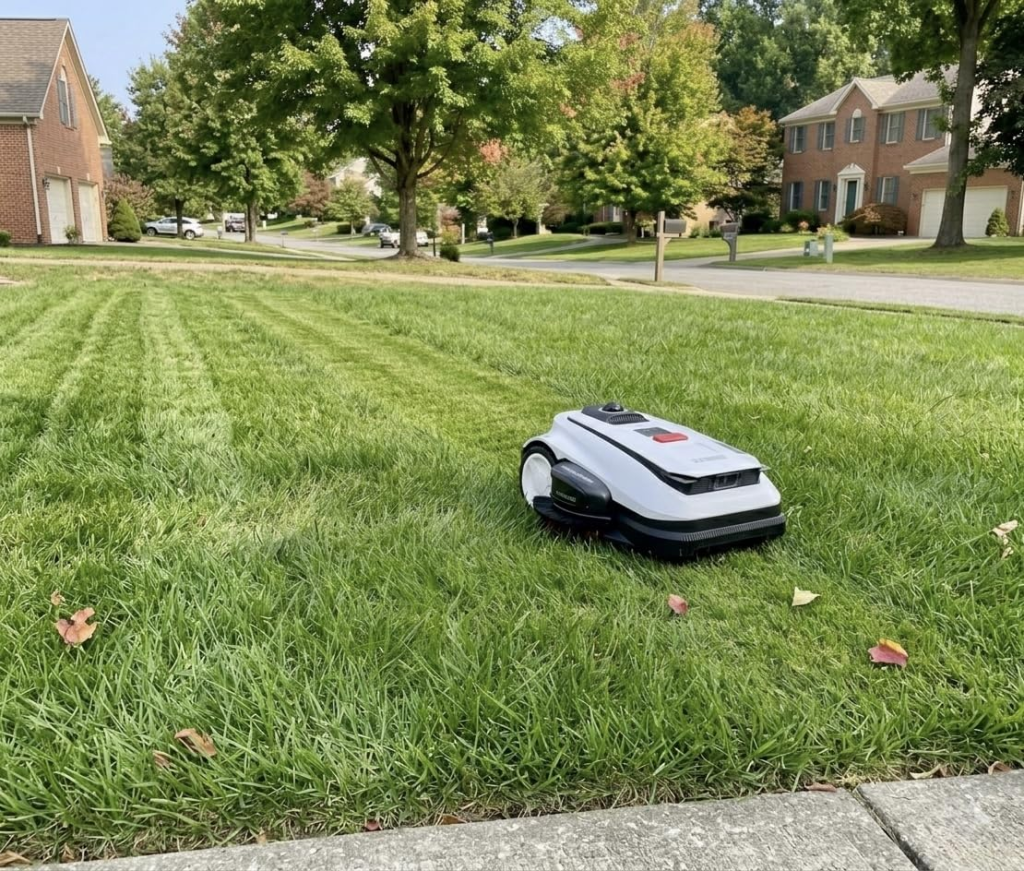
This is the part that matters. The lawn looks good. Really good. Because the mower runs frequently, the grass stays consistently trimmed rather than getting long between weekly mowing sessions.
The cuts look even, there aren’t clumps left behind, and the lawn always seems maintained. Instead of spending one day each week cutting the grass, the yard simply stays cut. That’s probably the biggest quality-of-life improvement this mower delivers.
The App Experience
The app is one of the better parts of the system. Scheduling is easy. Creating zones is easy. Starting or stopping a mowing session takes seconds. I particularly like being able to send it out to specific sections of the yard instead of mowing everything every single time. Once you get comfortable with the controls, it becomes something you barely think about.
Other Users’ Experiences
My experience has been mostly positive, but not every owner has had the same journey.
Some users report their mower working flawlessly during the first couple of weeks before encountering occasional errors that required resets or manual intervention. A few owners mentioned situations where the mower would stop unexpectedly and need to be returned to the charging station before continuing.
Others have reported occasional missed patches caused by obstacle avoidance settings being a little too cautious. In some cases, users found themselves adjusting boundaries or turning off certain avoidance features to improve coverage.
There are also reports of rare hardware issues appearing early in ownership, including wheel-related errors that prevented mowing altogether.
The takeaway for me is that this is an impressive piece of technology, but it’s still a robot. Testing everything thoroughly during the return period is a smart idea.
Pros and Cons
Pros
- Huge time saver for routine lawn maintenance
- Extremely quiet operation
- LiDAR navigation handles obstacles well
- No perimeter wire installation required
- Excellent app with scheduling and zone controls
- Consistent and clean-looking lawn
- Automatically returns to charge itself
- Strong obstacle avoidance around landscaping
Cons
- Initial mapping process takes time
- Edge trimming still isn’t perfect
- Some users report software errors and occasional resets
- Boundary editing can be tedious
- Premium price compared to traditional lawn mowers
- Reliability appears mixed based on some owner experiences
Conclusion
The ECOVACS GOAT A2000 LiDAR PRO has genuinely changed how I maintain my yard. The novelty wears off after a while. The convenience doesn’t. Instead of dedicating part of my weekend to mowing, I let the robot handle it while I do something else.
Is it perfect? No.
Is it one of the most useful smart-home style purchases I’ve made in years?
Absolutely.
For people who hate mowing, have mobility limitations, or simply want their lawn maintained with less effort, it’s very easy to appreciate what this machine brings to the table.